Writva
FAQs

What should you know before you start using Writva?

Most of it comes down to one thing: Writva edits the draft you bring, and you decide what becomes the approved version.

If your question isn't here, reach out.

How does the Writing Editor work?

The Writing Editor is designed to help you improve your writing without ever losing your original work. The screen is divided into three main areas, each with a specific role:

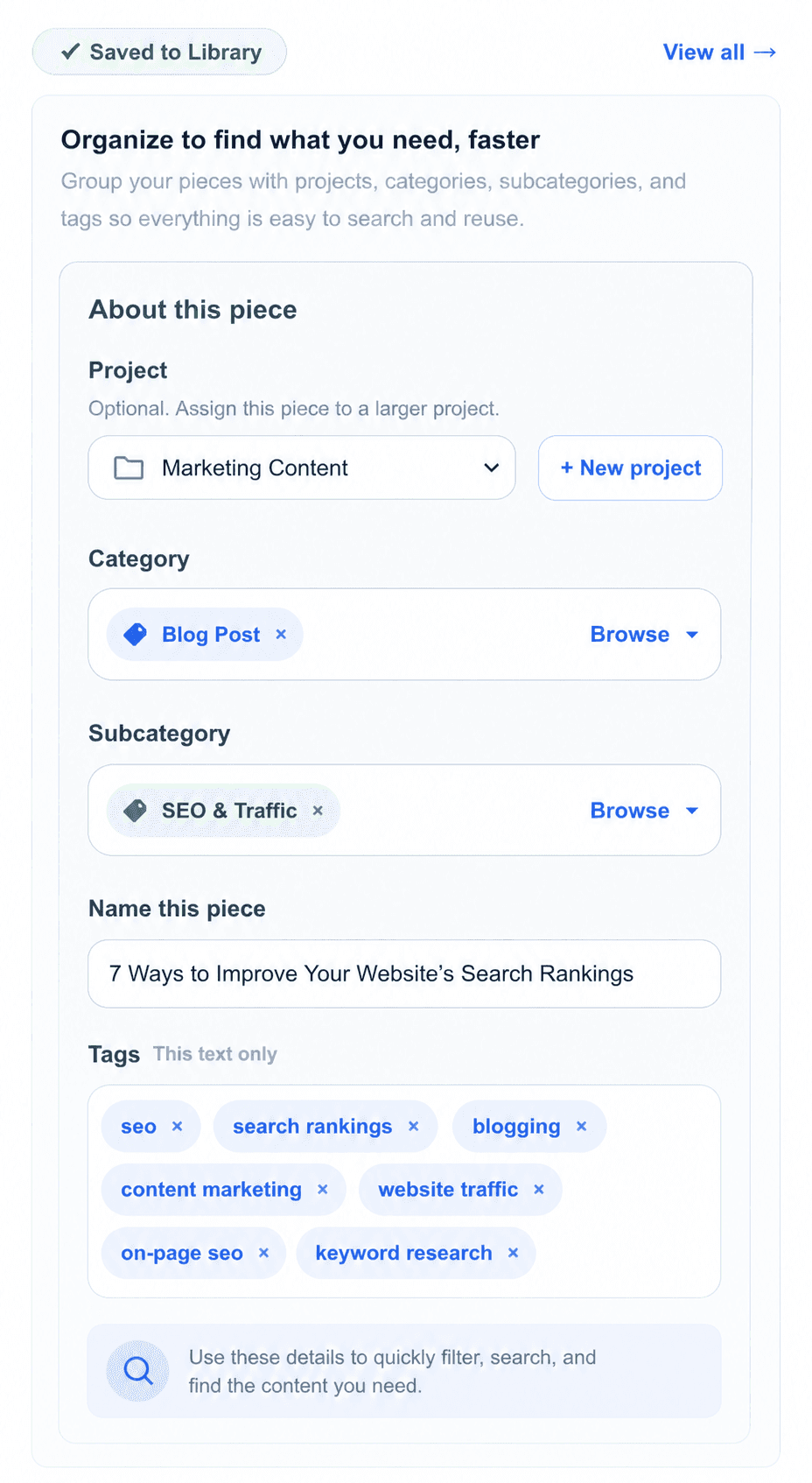
  • The Information Panel on the left shows details about your piece — such as its title, category, tags, and where it belongs. This helps you stay organized, but it does not change your writing.
  • The Stable Versionin the center is your approved version. Think of this as your “safe” copy. It does not change unless you explicitly update it.
  • The Editor on the right is where you do all your work. This is where you write, refine, and apply AI-powered changes.

When you first open a piece, you are not editing yet. You'll see your Stable Version in the center, and the Editor will be inactive. To begin, click Open Editor. This switches you into Editing, where you can start making changes.

Inside the Editor, you can type directly or use Writing Controls (such as tone, voice, or rewrite strength) to guide how the AI improves your text. You can apply changes to a selected portion of text or to the full draft. As you work, your edits are saved automatically in the Editor — but they do not affect your Stable Version yet.

This separation is important:

  • The Editor is your working space (temporary, flexible)
  • The Stable Version is your official version (locked, reliable)

When you're happy with your changes, click Promote to Stable Version. This replaces the previous Stable Version with your edited draft.

You can also switch between Split View and Focus View:

  • Split View shows both panels side-by-side
  • Focus View expands the Editor

Workflow:

  1. Review Stable Version
  2. Open Editor
  3. Refine using Writing Controls
  4. Promote changes

Is Writva a content generator?

No. Writva is a refinement tool, not a generator. You provide the source text — a draft, a paragraph, an email — and the AI helps you improve it based on your specific direction. It never writes from a blank slate. You stay in control of the content from start to finish.

How is this different from using ChatGPT or similar tools?

General AI tools generate new content based on a prompt. Writva is built around a controlled iteration loop: your text is always the source, and the AI proposes one targeted revision at a time. You choose what to keep. Nothing is automatically accepted, and previous versions are always preserved.

What happens to my writing? Is it stored on your servers?

It depends on whether you are signed in. Without an account you can use the editor and nothing is saved to a Writva account — the work lives in your browser, so clearing it or switching device loses it. Once you have an account, your pieces and their version history are saved to your account on Writva's servers, which is what makes them available across sessions and devices. Either way, the text you are revising is sent to a language-model provider to produce a revision.

Can I undo changes?

Yes. Every version you promote is saved in your iteration history. You can preview any previous version at any time and restore it into your working draft if you want to go back.

What types of writing work best?

Any prose-based writing — emails, paragraphs, book chapters, essays, website copy, social posts, or professional documents. The tool is designed around paragraph-level refinement, so it works best on discrete pieces rather than very long documents.

What is a Project Rule?

Project Rules are persistent constraints you set for a project — for example, "No em dashes" or "No semicolons." They are applied automatically on every AI iteration so you do not need to re-select them each time. Rules override conflicting per-iteration controls.

Can I use the same settings across multiple writing sessions?

Yes, via Presets. You can save any combination of writing controls — tone, editing intensity, style preferences — as a named preset and reuse it across different iterations and projects.

Is the tool free to use?

There is a free plan, and no account is required to try the editor. Paid Plus and Pro plans add higher AI usage, saved voices and presets, and project organization in your library, monthly or annually. See the Pricing page for what each plan includes.

What models does Writva use?

Writva uses GPT-4o Mini for most revisions, and GPT-4o when a saved Voice is applied — the larger model holds a voice more reliably. Which model runs is decided by the work, not by a setting you manage. This may change as models improve.

Still have questions?

The best way to understand the tool is to try it.